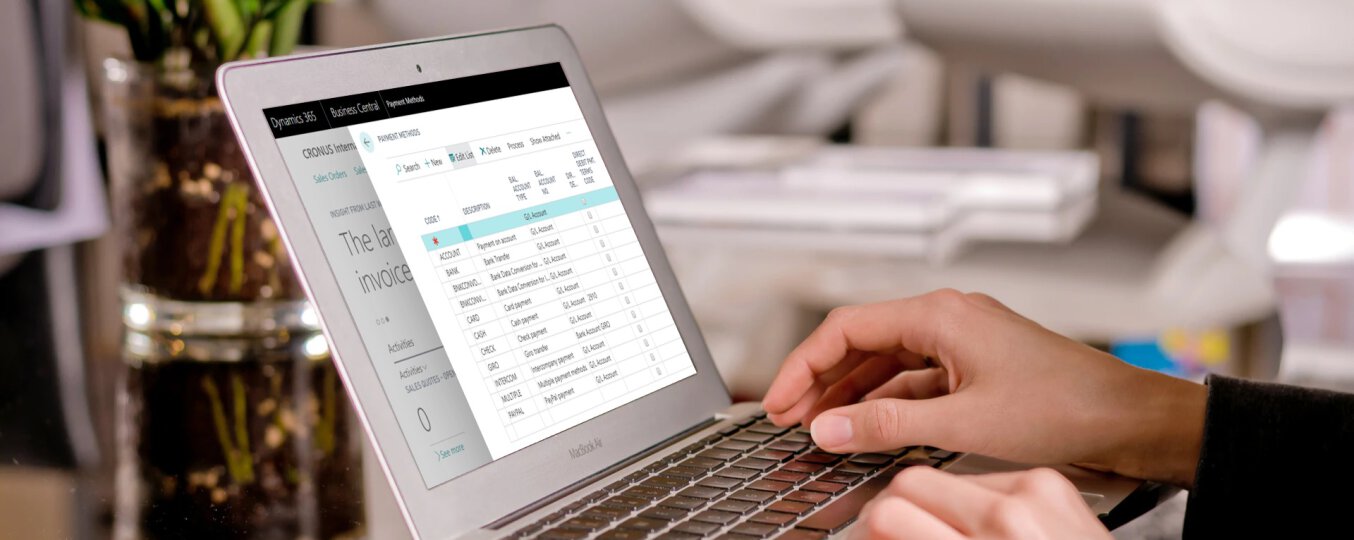
In Business Central, we can assign different payment methods to individual customers. In addition, payment methods should be assigned to suppliers to determine how we will pay bills. After assigning the payment method to the customer or supplier. All sales and purchase documents will automatically assign a specific method to the selected customer/supplier. Of course, we can freely change the payment method for a single document.
The most commonly used payment methods are bank transfer, cash and card payment.
Set up a new payment method.
To set up a new payment method, simply type Payment methods in the search field, then select Payment methods from the list.
After switching to the PAYMENT METHODS tab, click on New to create a new line defining the new payment method.
There two required fields are Code and Description.
Depending on the type of payment method and how we will use it, we can specify additional settings. The possible options are listed below:
When we have configured a payment method, we can assaign it to customers and vendors.
The article was based on the movie from the Microsoft Dynamics 365 YouTube channel: https://www.youtube.com/channel/UCJGCg4rB3QSs8y_1FquelBQ
Would you like to learn more? Let's get in touch.
Sending...